


Card management
View card status in one place, distinguish prepaid and budget cards, and add notes to organize cards by purpose.
Manage cards
FOR BUSINESSES AND TEAMS
From advertising to software subscriptions,
manage cards, budgets and transactions in one place.
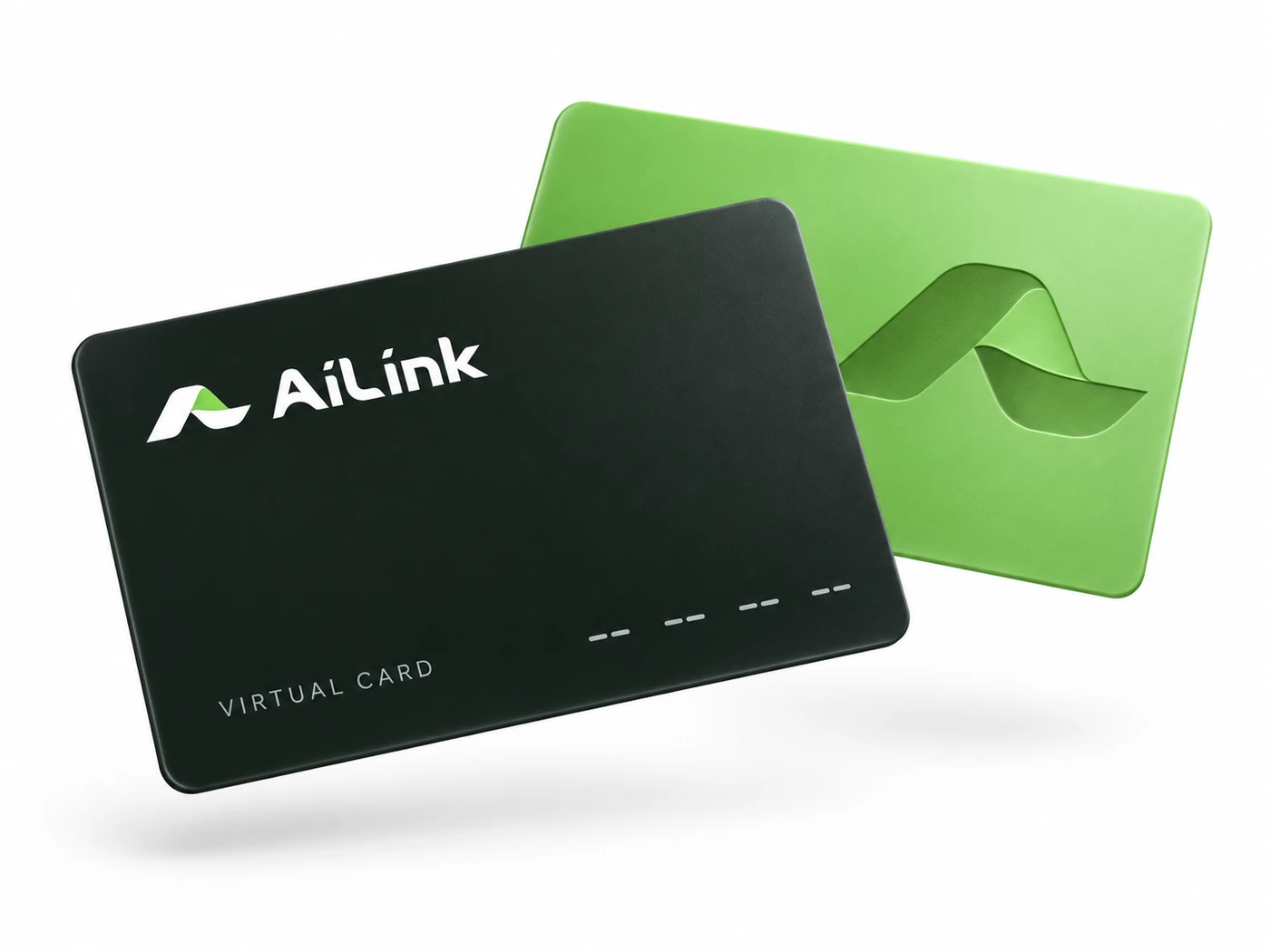
Organize cards by purpose to make spending easier to track.
Use separate cards for different campaigns and review card status and transactions in one place to keep multiple projects organized.

From card management to transaction queries, find a clear path to every task.
View card status in one place, distinguish prepaid and budget cards, and add notes to organize cards by purpose.
Manage cards
Group related budget cards and view each group's funds and linked cards together.
Compare card types

Find transactions by card, status and date, review details, and export records for reconciliation.
View transactions
Use subaccounts and permissions so team members can work within their authorized scope.
See how to get startedBUILT TO CONNECT
Connect card and transaction features through the Open API,
bringing your systems and card workflows together.
 Status queriesTransaction sync
Sign up with your email
and enter your card workspace.
Submit verification details as instructed
and wait for the review result.
Review available cards and fees,
then apply according to your needs once verification is approved.
AiLink is designed for advertising, software subscriptions and team digital spending. Supported uses depend on the card you choose. Check the relevant terms before requesting a card.
Prepaid cards hold individual balances. Budget cards use funds from their budget group. Choose the funding model that suits your business needs.
Complete identity verification and receive approval first. You can then request cards based on your account permissions, available products and funding. Follow the instructions in your account.
After logging in, view product fees on the card application and fee information pages. Charges and rules can differ by card. Review the fees shown before submitting your request.